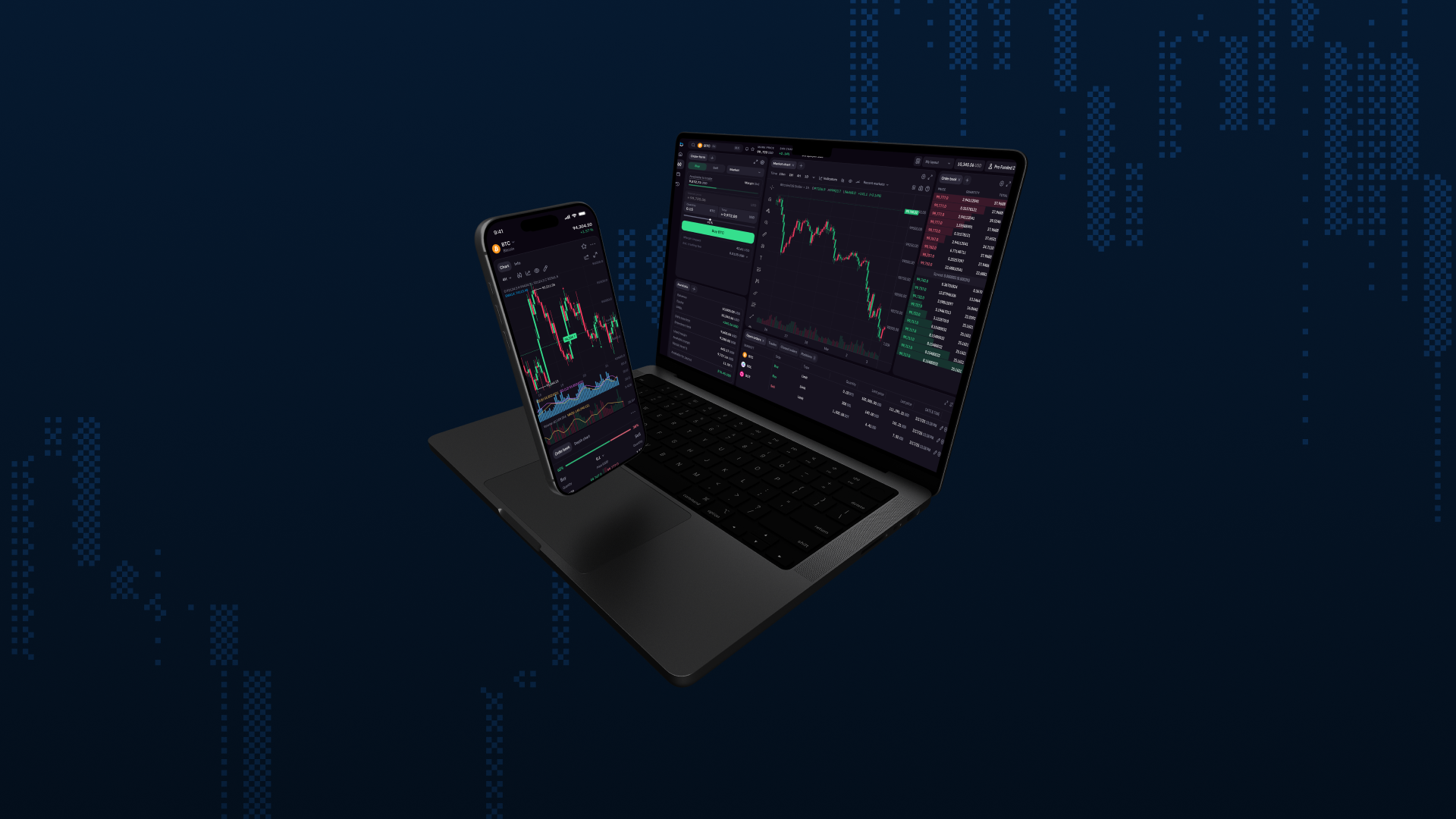
The new Breakout trading terminal is live globally as of May 5, 2026. Check out what’s new, and how to access it.
TL;DR
- New Breakout terminal available on all new accounts – select it at checkout
- Existing DXtrade accounts will not be migrated – nothing changes
- New mobile app for Breakout terminal – separate download, not an update
- Download the new app: iOS (App Store) | Android (Google Play)
The trading terminal has been the weakest part of Breakout for a while.
Lag, freezing, disconnects, and a UI that felt like it belonged in 2019. You told us. Repeatedly. Hundreds of support tickets, dozens of reviews mentioning the same problems. We heard every word.
So we rebuilt it from scratch.
Breakout now owns the codebase, the engineering, and the product roadmap: no more depending on a third-party platform and waiting on someone else’s priorities.
When something needs fixing or improving, our team ships it. We can finally build the experience you, and prop traders everywhere, truly deserve.
Watch the full walkthrough →
What’s new on desktop
The new terminal was redesigned around how traders actually work during a session. A few highlights:
Speed: Every order and update in real-time
- Real-time execution – orders confirm instantly, no refresh required.
- Always-on order form – long, short, market, limit. Always on screen.
- Live updates – prices, positions and P&L update continuously.
Stability: Persistent sessions, stable connections
Whether you switch tabs, switch apps, or just step away, the terminal stays live through tab switches, app switches, and screen locks.
Visibility: More insight, fewer tabs
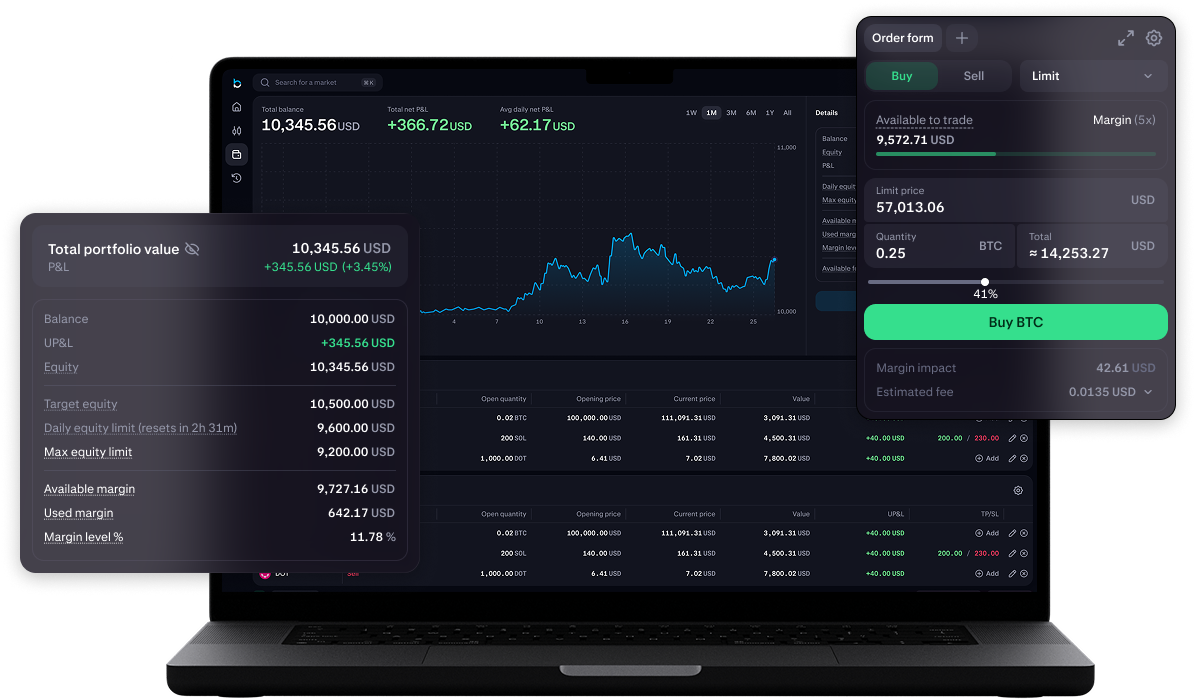
- USD position sizing – size in dollars, not lots: position size, SL, TP, estimated P&L, fees and margin are all shown before you confirm.
- Risk/reward before entry – set your SL/TP from the order form and see your estimated P&L before pulling the trigger.
- Account info in terminal – see daily loss limit, max drawdown, balance, equity and payout availability at a glance.
Charting: TradingView engine
- Full indicator library – every indicator, timeframe and candle type from TradingView.
- Multi-chart view – run multiple charts side by side.
- Saved layouts – drag, drop and resize panels, save your setup.
Control: Trade the way you want to
- Account switching – move between multiple evaluations in one click and trade up to $200K across multiple accounts.
- Chart-based order management – click the order book to set limit prices, manage and close positions without leaving the chart.
- Move stop loss into profit – easily adjust your risk management strategy.
- Drag to modify SL/TP – make quick, accurate adjustments.
- Favorites and watchlist – star assets, access from the sidebar or a live ticker along the bottom, switch charts in one click.
- P&L sharing cards – generate a shareable card from any closed trade, then customise what’s shown and post straight to Discord.
What’s new on mobile
A brand new mobile app was built from the ground up as a native experience, not a scaled-down version of the desktop terminal.
- On-chart SL/TP – set stop loss and take profit directly on the chart.
- USD sizing – position size, SL and TP values shown in dollars (on mobile too).
- P&L always visible – track your trade P&L even when you’re on the chart view.
- Mobile data ready – stable connections away from WiFi.
- Fast order entry – place and manage trades without fighting the UI.
The new Breakout terminal now has its own dedicated mobile app, separate from the DXTrade app. Download it from the App Store (iOS) or Google Play (Android) and log in with your Breakout credentials.
How to access the new Breakout terminal
When purchasing a new trading test, select “Breakout” as your terminal option at checkout. The new terminal is available on all new accounts up to $200K, and you can run multiple accounts simultaneously (up to $200K total).
If you have existing DXtrade accounts, those will stay exactly as they are: same access, same functionality.
What’s coming next
The team is already working hard on the next round of features.
On the roadmap: netting, additional order types, and one-click order placement from the chart. We’ll continue to share updates as these roll out.
What hasn’t changed
The terminal is new, but everything you love about breakout remains the same:
On-demand payouts, 24/7. 80%-90% profit splits. No consistency rules, no profit caps, no time limits. Simple, fair rules focused on just two risk limits.
While the trading environment got a complete overhaul (for the better), everything else about how Breakout works is exactly what you signed up for.